
Apps, guides and everyday tech
Tech tips that make your day easier
Plain-language guides to the apps, tools and small settings that save you time and money. No jargon, no subscriptions, just the steps that work.
Fresh from the blog
Latest posts
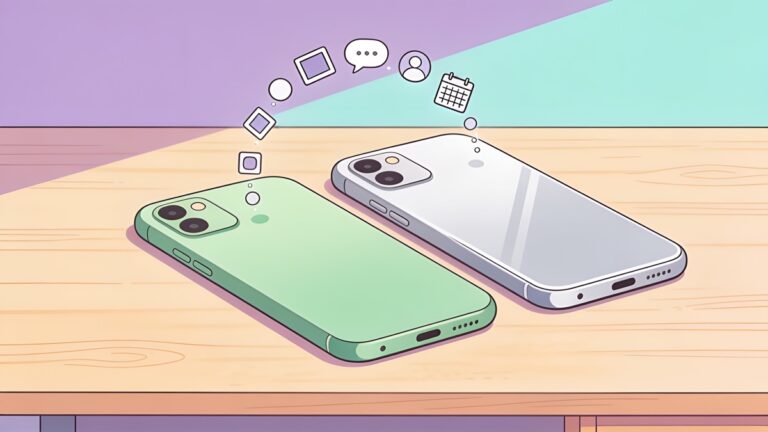
Cómo cambiar de Android a iPhone sin perder tus datos
Migra de Android a iPhone con la función Migrar a iOS: Chats de WhatsApp, fotos, contactos, aplicaciones de autenticación y lo que no se transferirá.
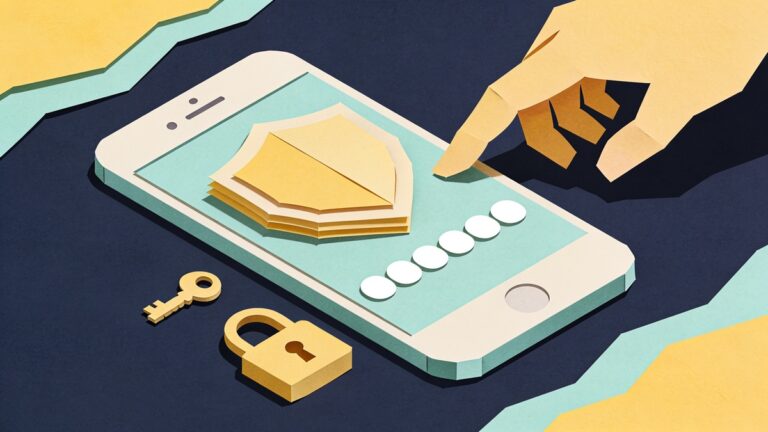
Cómo configurar la autenticación de dos factores (Paso a paso, 2026)
Se explican los códigos SMS, las aplicaciones de autenticación, las claves de acceso y las claves de seguridad, con instrucciones paso a paso para la configuración de cuentas de Google, Apple y otras.
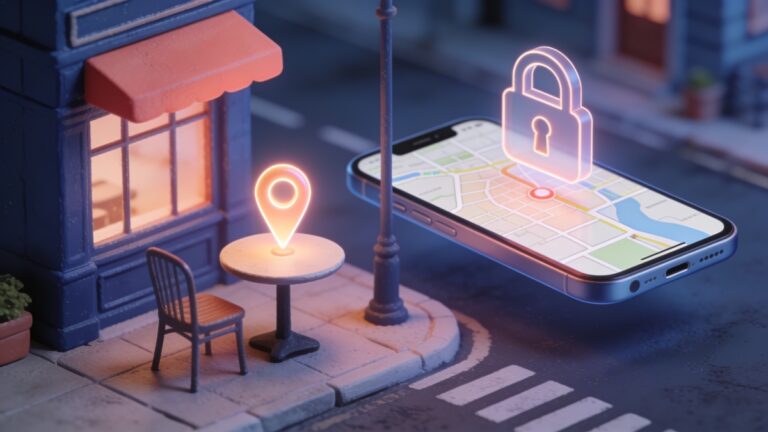
Qué hacer si pierdes o te roban el teléfono (iPhone y Android)
Un plan paso a paso para un teléfono perdido o robado: localícelo y bloquéelo, proteja sus cuentas, llame a su operador y active la configuración que debe realizar ahora.
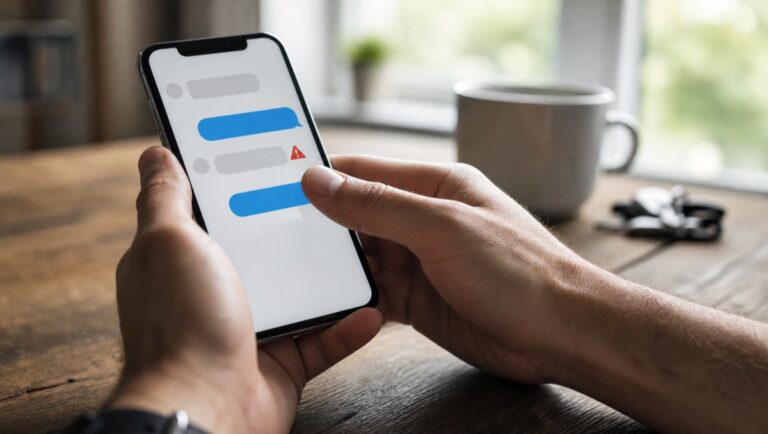
Cómo detectar estafas por mensaje de texto (y qué hacer si hiciste clic en uno)
Las señales de alerta detrás de los mensajes de texto fraudulentos relacionados con entregas, peajes, bancos y números equivocados, los filtros para iPhone y Android que los detectan y qué hacer si hiciste clic en alguno.
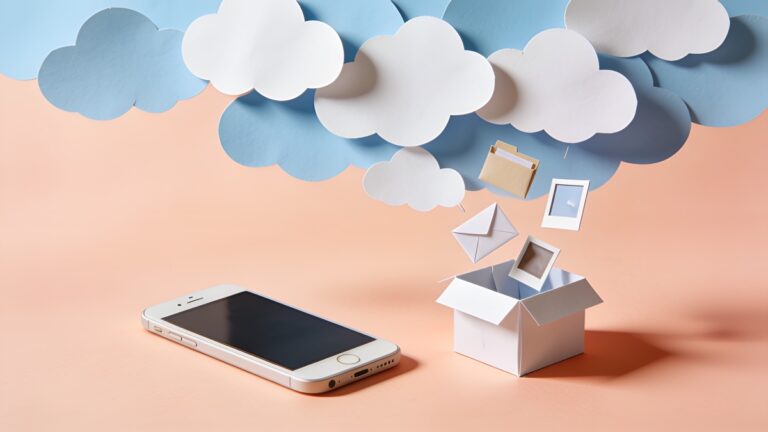
Cómo liberar espacio de almacenamiento en iCloud y Google sin pagar
Libera espacio gratis en iCloud, Gmail, Google Drive y Google Fotos: copias de seguridad antiguas, archivos adjuntos grandes, archivos de gran tamaño y ajustes fotográficos importantes.
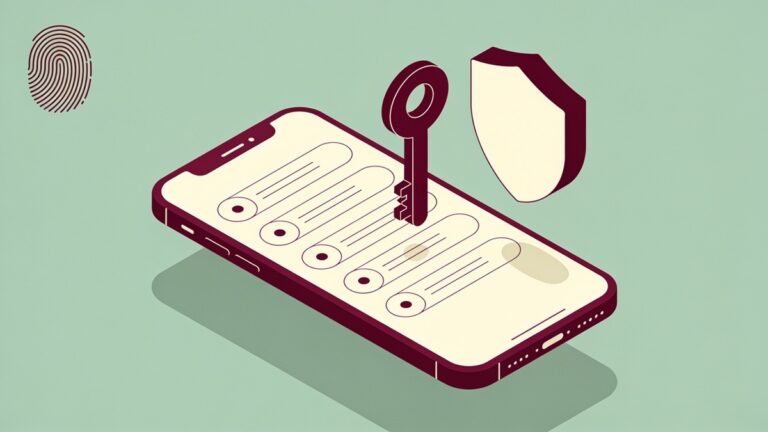
Comparativa de las mejores aplicaciones de gestión de contraseñas de 2026
Comparativa de precios y límites entre Bitwarden, 1Password, Proton Pass, Apple Passwords y Google Password Manager, además de una explicación de las claves de acceso y cómo cambiar de gestor de contraseñas.
Quick tip
Your email account can reset every other password you have. Turn on two-step verification there first.
- Your email account can reset every other password you have. Turn on two-step verification there first.
- Settings › Battery shows which apps use the most power, on both Android and iPhone.
- Public WiFi is fine for reading the news. Leave banking for mobile data or a network you trust.
- An app that keeps crashing? On Android, clearing its cache in Settings › Apps › Storage often fixes it without deleting your data.
- Forgotten subscriptions add up. Google Play and the App Store each have a page that lists every active one, so check it once a month.
- Your phone camera can read a QR code from a screenshot too: open the image and use Google Lens or Live Text.
Why Flehan
Written to be useful, not to fill a page
Official sources only
Every app and website we mention is checked on its official store or the developer’s own site before it goes into an article.
Free to read
No paywall, no sign-up, no subscription. The site is supported by ads, so every article stays open to everyone.
People who use the stuff
Our writers cover apps and technology every day, and they write the steps the way they would explain them to a friend.
Sobre nosotros
Got questions?
Flehan is a small team writing about apps, tools and the tech side of everyday life. Our goal is simple: you leave each article knowing what to do next.
Is Flehan free?
Yes. Every article is free to read and you never need an account. Ads on the site pay for the work.
Where do the apps you recommend come from?
From official places only: Google Play, the App Store or the developer’s own website. We point you there instead of hosting any file ourselves.
Do I need to be good with technology to follow the guides?
No. Each guide starts from the first tap and says where every button is. If a step only works on Android or only on iPhone, we say so.
Can I suggest a topic?
Please do. Send it through our contact page and tell us what you were trying to solve.
Not sure where to start?
The newest guides are on the blog. Open one, follow the steps, and come back when the next question shows up.