
Apps, guides and everyday tech
Tech tips that make your day easier
Plain-language guides to the apps, tools and small settings that save you time and money. No jargon, no subscriptions, just the steps that work.
Fresh from the blog
Latest posts
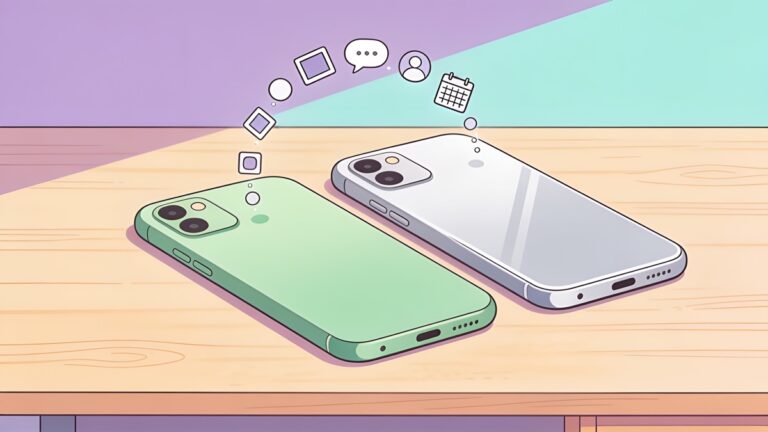
Come passare da Android a iPhone senza perdere i propri dati
Passa da Android a iPhone con Passa a iOS: chat di WhatsApp, foto, contatti, app di autenticazione e tutto ciò che non verrà trasferito.
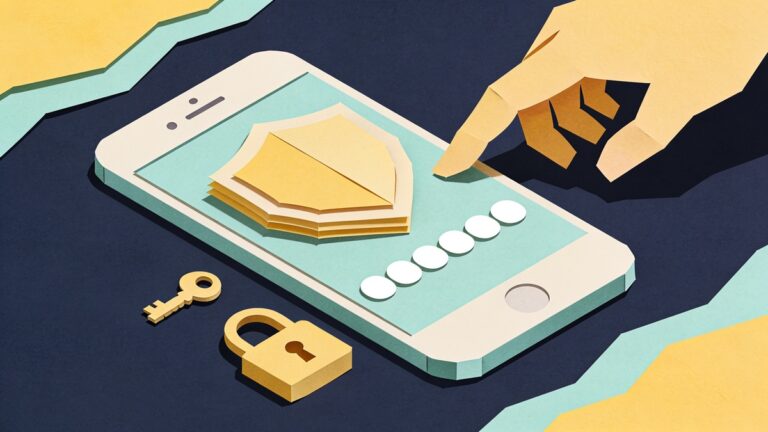
Come configurare l'autenticazione a due fattori (passo dopo passo, 2026)
Codici SMS, app di autenticazione, password e chiavi di sicurezza spiegate nel dettaglio, con istruzioni passo passo per la configurazione di account Google, Apple e altri.
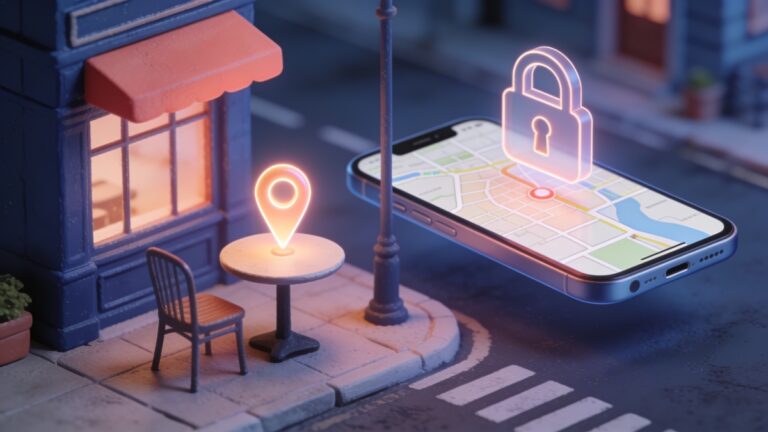
Cosa fare in caso di smarrimento o furto del telefono (iPhone e Android)
Una guida passo passo per un telefono smarrito o rubato: localizzarlo e bloccarlo, proteggere i propri account, contattare l'operatore telefonico e attivare le impostazioni da attivare immediatamente.
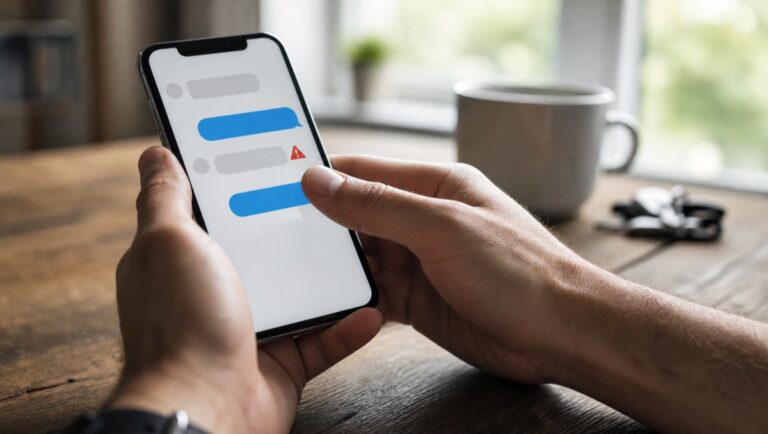
Come riconoscere le truffe via SMS (e cosa fare se hai cliccato su un link falso)
I segnali di allarme dietro i messaggi truffaldini relativi a consegne, pedaggi, banche e numeri errati, i filtri per iPhone e Android che li bloccano e cosa fare se hai cliccato su un link errato.

Come liberare spazio di archiviazione su iCloud e Google senza pagare
Libera spazio su iCloud, Gmail, Google Drive e Google Foto gratuitamente: elimina vecchi backup, allegati di grandi dimensioni, file voluminosi e impostazioni importanti per le foto.
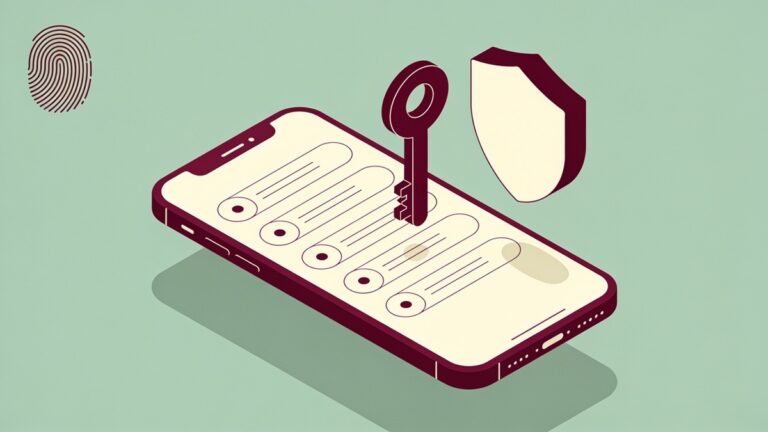
Le migliori app per la gestione delle password nel 2026, a confronto
Bitwarden, 1Password, Proton Pass, Apple Passwords e Google Password Manager a confronto in termini di prezzo e limiti, con spiegazione di PassKeys e procedura di passaggio.
Quick tip
Your email account can reset every other password you have. Turn on two-step verification there first.
- Your email account can reset every other password you have. Turn on two-step verification there first.
- Settings › Battery shows which apps use the most power, on both Android and iPhone.
- Public WiFi is fine for reading the news. Leave banking for mobile data or a network you trust.
- An app that keeps crashing? On Android, clearing its cache in Settings › Apps › Storage often fixes it without deleting your data.
- Forgotten subscriptions add up. Google Play and the App Store each have a page that lists every active one, so check it once a month.
- Your phone camera can read a QR code from a screenshot too: open the image and use Google Lens or Live Text.
Why Flehan
Written to be useful, not to fill a page
Official sources only
Every app and website we mention is checked on its official store or the developer’s own site before it goes into an article.
Free to read
No paywall, no sign-up, no subscription. The site is supported by ads, so every article stays open to everyone.
People who use the stuff
Our writers cover apps and technology every day, and they write the steps the way they would explain them to a friend.
Chi siamo
Got questions?
Flehan is a small team writing about apps, tools and the tech side of everyday life. Our goal is simple: you leave each article knowing what to do next.
Is Flehan free?
Yes. Every article is free to read and you never need an account. Ads on the site pay for the work.
Where do the apps you recommend come from?
From official places only: Google Play, the App Store or the developer’s own website. We point you there instead of hosting any file ourselves.
Do I need to be good with technology to follow the guides?
No. Each guide starts from the first tap and says where every button is. If a step only works on Android or only on iPhone, we say so.
Can I suggest a topic?
Please do. Send it through our contact page and tell us what you were trying to solve.
Not sure where to start?
The newest guides are on the blog. Open one, follow the steps, and come back when the next question shows up.